Asteroids
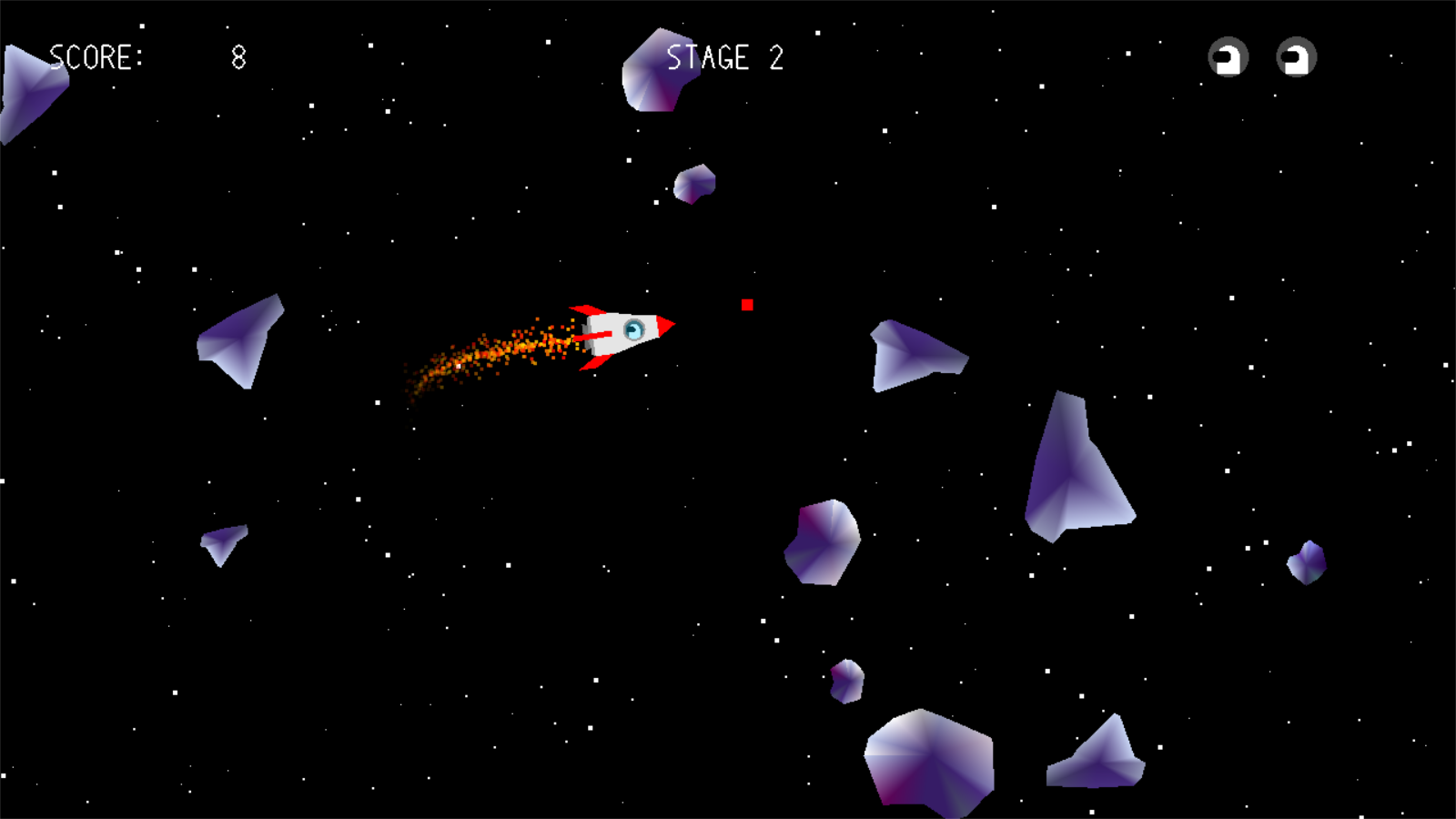
About the Project
Asteroids is a 2D game I developed as a modern take on the classic 1979 Atari arcade of the same name.
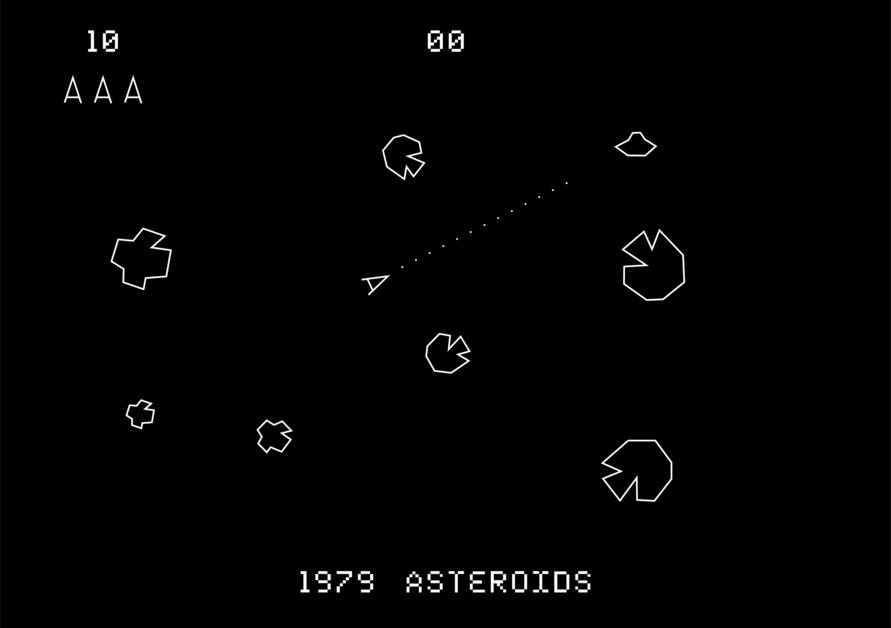
Asteroids from Atari, Inc. — 1979
I made it as part of the Principles of Computer Graphics M course at Alma Mater Studiorum, University of Bologna. The assignment (lab 02 of the course) asked for an interactive 2D digital animation demo written in C/C++ with OpenGL, explicitly warning that trivial modifications of the provided sample code would not be accepted — so I decided to build an entire small game instead.
Everything you see on screen is drawn from OpenGL primitives — triangles, lines and points. There are no textures and no sprite sheets: the spaceship, the asteroids, the explosions and even the font are geometry, generated at runtime.
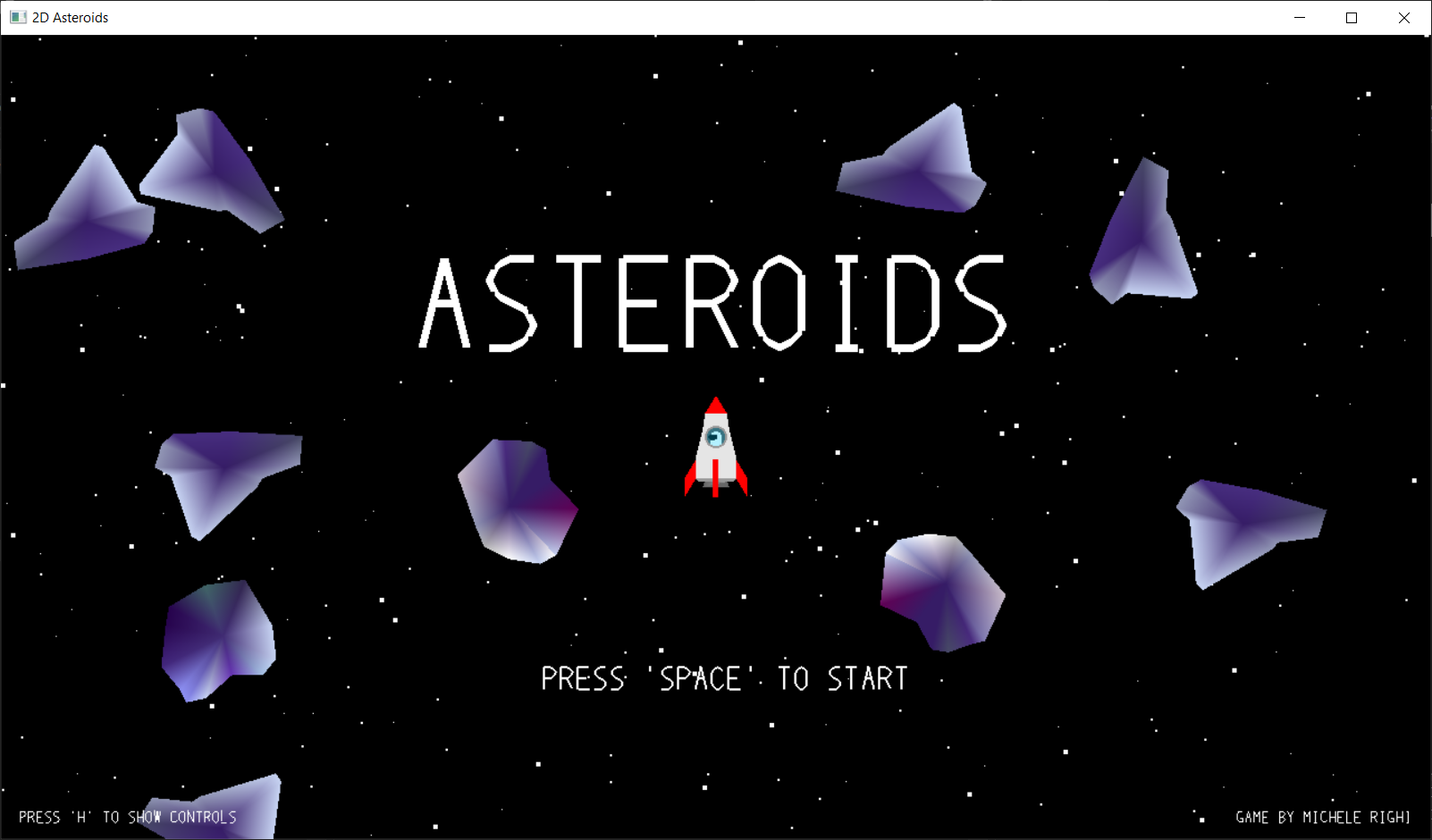
The menu screen
Project Structure
The project is organized in modules, each one exposing its own init/update/draw functions:
02_main.cpp— entry point, initialization and game loop;commons.h— a single place where all system and project headers are included;defs.h— global constants and enums;structs.h— shared data structures;utils.h— utility macros and functions;- one module per game element:
asteroids,bullets,colliders,explosions,figure,firetrail,input,spaceship,stars,text,ui.
Rendering goes through a simple pass-through shader, loaded with the ShaderMaker helper provided by the professor, with a glm::ortho projection over a 1280x720 window. Windowing, input callbacks and timers are handled by GLUT.
Game Loop
The loop is based on delta timing, which decouples the game logic from the frame rate: every update is expressed as a function of the fraction of a second elapsed since the previous frame, so the game behaves the same way regardless of how fast the machine renders it.
static void update(int value)
{
  // Wait until 16ms has elapsed since last frame
  while (glutGet(GLUT_ELAPSED_TIME) - game.timeSinceStart <= 16);

  // Delta time = time elapsed from last frame (in seconds)
  game.deltaTime = (glutGet(GLUT_ELAPSED_TIME) - game.timeSinceStart) / 1000.0f;

  // Clamp delta time so that it doesn't exceed ~60 fps
  game.deltaTime = MIN(0.05f, game.deltaTime);

  // Update elapsed time (for next frame)
  game.timeSinceStart = glutGet(GLUT_ELAPSED_TIME);

  // process input & update functions

  glutTimerFunc(UPDATE_DELAY, update, 0);
}
The game is also split into states — GAME_MENU, GAME_MENU_CONTROLS, GAME_RUNNING, GAME_PAUSED, GAME_STAGE_COMPLETED, GAME_NEXT_STAGE_STARTING, GAME_OVER — both to navigate between screens and to update only the modules that are actually needed at any given time.
Input
GLUT delivers keyboard events one at a time, which is not great when you need to know whether a key is being held. So I wrote a tiny input layer (input.h) that keeps an Input structure updated through glutKeyboardFunc() and glutKeyboardUpFunc(): pressing a key sets its entry to 1, releasing it sets it back to 0. Every module can then simply poll the keys it cares about, and the result is continuous, real-time input.
void inputSpaceship()
{
  if (input.keyboard.keys['w'])
  {
    // move forward
  }
}
Gameplay
You pilot a spaceship in an asteroid field, and the goal is to destroy every asteroid in the scene without losing your three lives. Asteroids come in three sizes: when a bullet hits one, it splits into two smaller ones, unless it’s already small. Clearing a stage brings you to the next one, with more asteroids and therefore more chaos; the game ends when you run out of lives.
Every destroyed asteroid awards points depending on its size — smaller asteroids are worth more, since they’re harder to hit. At the start of each stage, and whenever the ship respawns after being destroyed, you get a shield granting 3 seconds of invulnerability.
The controls are listed in-game (press H in the menu), and a few of them exist purely to show off the rendering:
| Key | Action |
|---|---|
W | move forward |
A/D | rotate counterclockwise/clockwise |
Space | shoot |
C | show/hide the colliders |
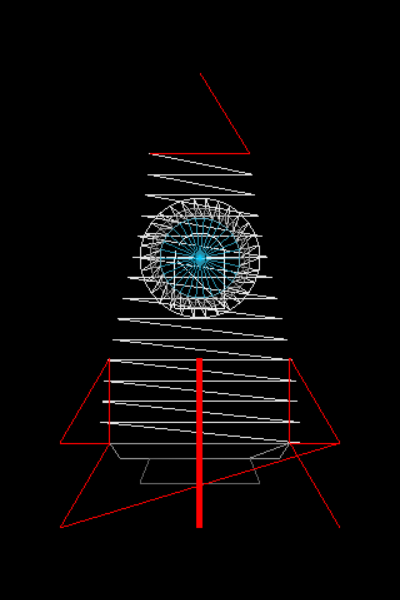
L | switch between triangle and line rendering |
B | scale the spaceship up/down (to see the details) |
O | open/close the spaceship porthole |
P | pause |
Esc | back to the menu |
Graphics
Background
The background is a black canvas — the void of space — filled with 300 stars, split into three groups by size and distance: 50 near, 100 middle and 150 far.
Spaceship
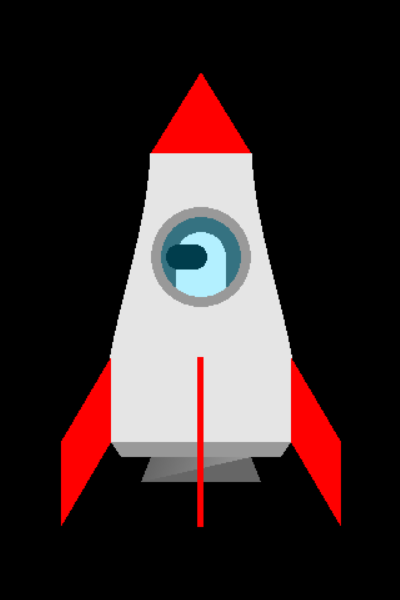
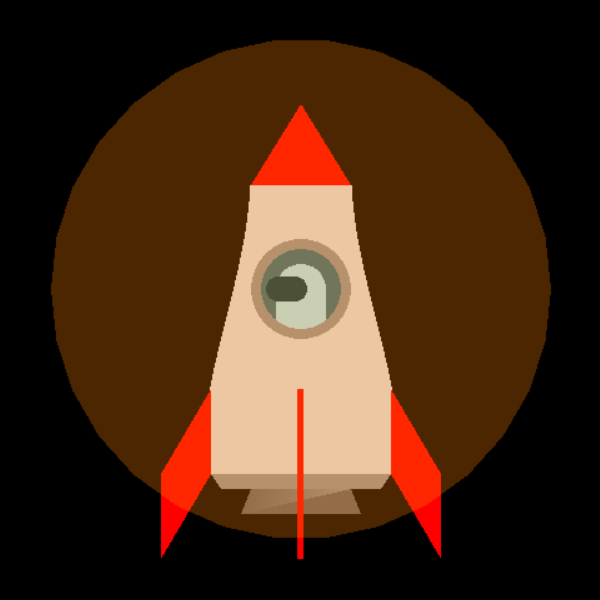
The spaceship is by far the most complex object of the scene, and it’s built out of a small pile of primitives:
- nose: a triangle;
- side fins: a rhombus each (two triangles);
- central fin: a line;
- hull: the side curves are drawn with two periodic (cosine) functions, then filled with triangles;
- propulsor: two isosceles trapezoids of slightly different colors, to fake the shininess of metal;
- cabin: a filled circle, hosting the astronaut;
- astronaut: a visor (two semicircles and a rectangle) and a suit (a semicircle and a square) — the astronaut is kept upright by rotating its model matrix in the opposite direction of the ship’s;
- porthole: a metal ring (a hollow circle) plus a transparent glass, a filled circle rendered with
GL_BLENDand the alpha channel.
Asteroids, Shield, Bullets and Text
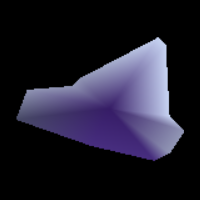
The asteroids come in three shapes, whose vertices I placed by hand, taking inspiration for the silhouettes and the colors from a reference picture. The shield is a transparent circle covering the whole ship, while a bullet is nothing more than a single red point of size 10. Lives reuse the cabin background and the astronaut graphics.
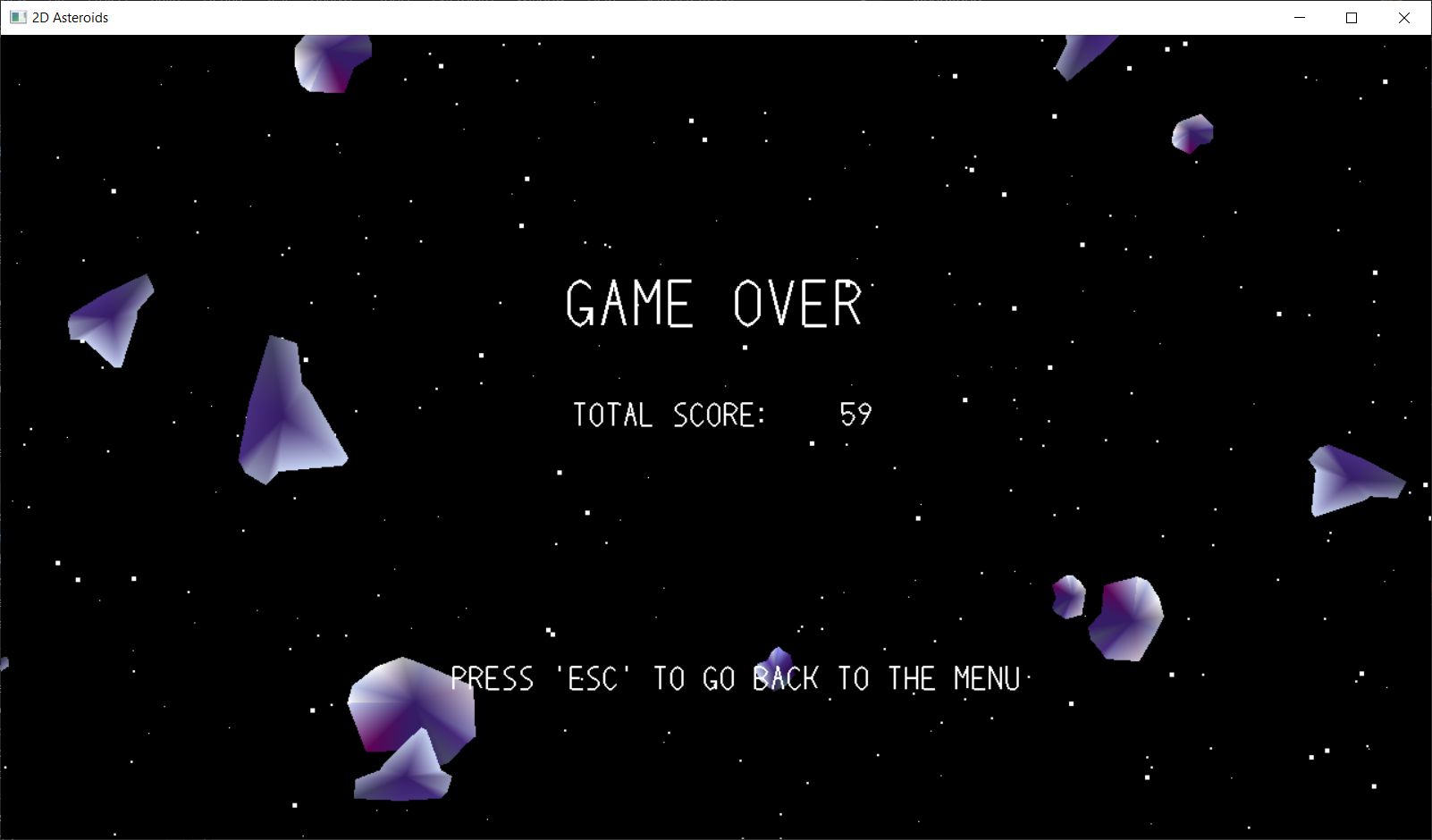
Text deserves its own note: since there’s no texture and no font loading involved, I wrote a small library (text.h) that builds a string out of points and lines, given a buffer of characters. I wrote the vertices of each glyph by hand, which is the reason the font looks the way it does — Bézier curves would have given a nicer result, but that was a rabbit hole for another lab. Characters I never implemented are rendered as a hyphen.
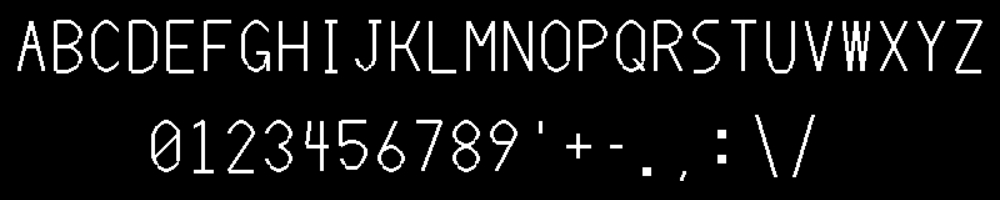
The hand-made font
Physics and Collisions
Every gameplay element wraps around the scene: when an object exits from one side of the viewport, it reappears on the opposite one.
The stars exploit the parallax effect: as the ship moves, the near (bigger) stars scroll faster than the far (smaller) ones, which makes the scene feel much deeper than it actually is.
The spaceship movement is constrained by its propulsor: it can only move forward or rotate, and both the linear and the angular speed decelerate when the player releases the keys, which gives the ship its inertia.
void updateSpaceship(float deltaTime)
{
  if (spaceship.angularSpeed != 0.0f)
  {
    spaceship.heading += spaceship.angularSpeed * deltaTime;
    if (spaceship.heading > 2 * PI)
      spaceship.heading -= 2 * PI;
    if (spaceship.heading < 0.0f)
      spaceship.heading += 2 * PI;
  }
  if (spaceship.forwardSpeed != 0.0f)
  {
    spaceship.pos.x += cos(spaceship.heading) * spaceship.forwardSpeed * deltaTime;
    spaceship.pos.y += sin(spaceship.heading) * spaceship.forwardSpeed * deltaTime;
    // [...]
  }
}
Asteroids move with a uniform linear motion, with random direction and speed; bullets do the same, but inherit the heading of the ship at the moment they’re fired.
Collisions are handled with circle colliders: each collidable object (spaceship, asteroids, bullets) owns a CircleCollider with a center and a radius, and two objects collide when the distance between their centers is smaller than the sum of their radii. It’s the cheapest possible test, and for shapes this round it’s good enough.
bool isCollidingCircle(CircleCollider collider1, CircleCollider collider2)
{
  return distance(collider1.pos, collider2.pos) < collider1.radius + collider2.radius;
}
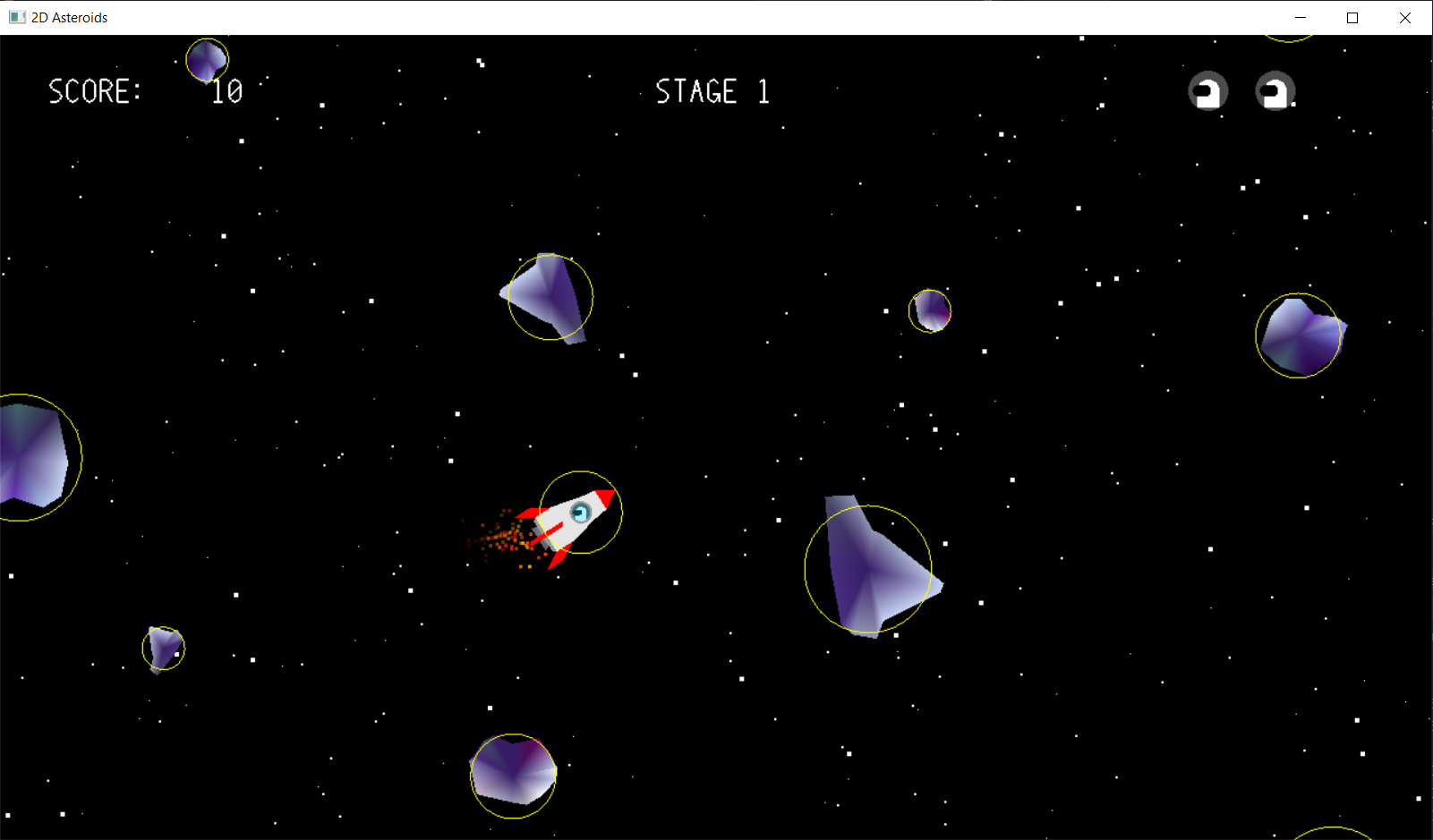
Colliders visible (key 'C')
Animations
Particle Systems
The firetrail is generated when the ship accelerates: particles spawn at random points inside a circular area placed right under the propulsor, and they’re only emitted above a certain speed threshold, in a number that depends on the current speed and on the size of the ship.
// Spawn firetrail only if the speed is greater than a threshold
if (spaceship.forwardSpeed > 10.0f)
{
  float xSpawnCenter, ySpawnCenter;
  xSpawnCenter = spaceship.pos.x +
    (spaceship.radius + spaceship.scale * 1.25f) * cos(spaceship.heading + PI);
  ySpawnCenter = spaceship.pos.y +
    (spaceship.radius + spaceship.scale * 1.25f) * sin(spaceship.heading + PI);

  spawnFiretrailParticles(
    { xSpawnCenter, ySpawnCenter, 0.0f },
    spaceship.forwardSpeed,
    spaceship.heading - PI,
    20.0f * (spaceship.forwardSpeed / SPACESHIP_MAX_FORWARD_SPEED) *
      (spaceship.radius / spaceship.originalRadius),
    5.0f
  );
}
Explosions use the same idea: when an unshielded ship is hit by an asteroid it bursts into particles colored like debris, fire and smoke, while a destroyed asteroid emits particles matching its own palette.
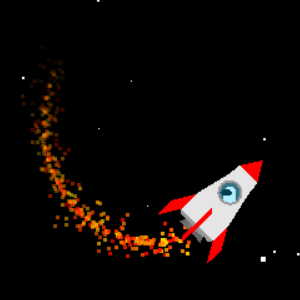
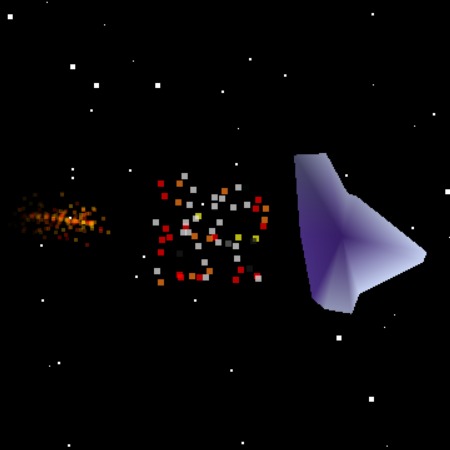
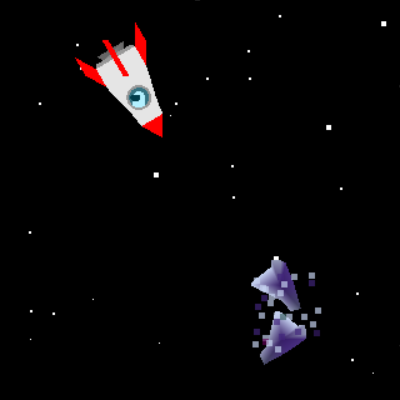
Asteroid explosion
Text and UI
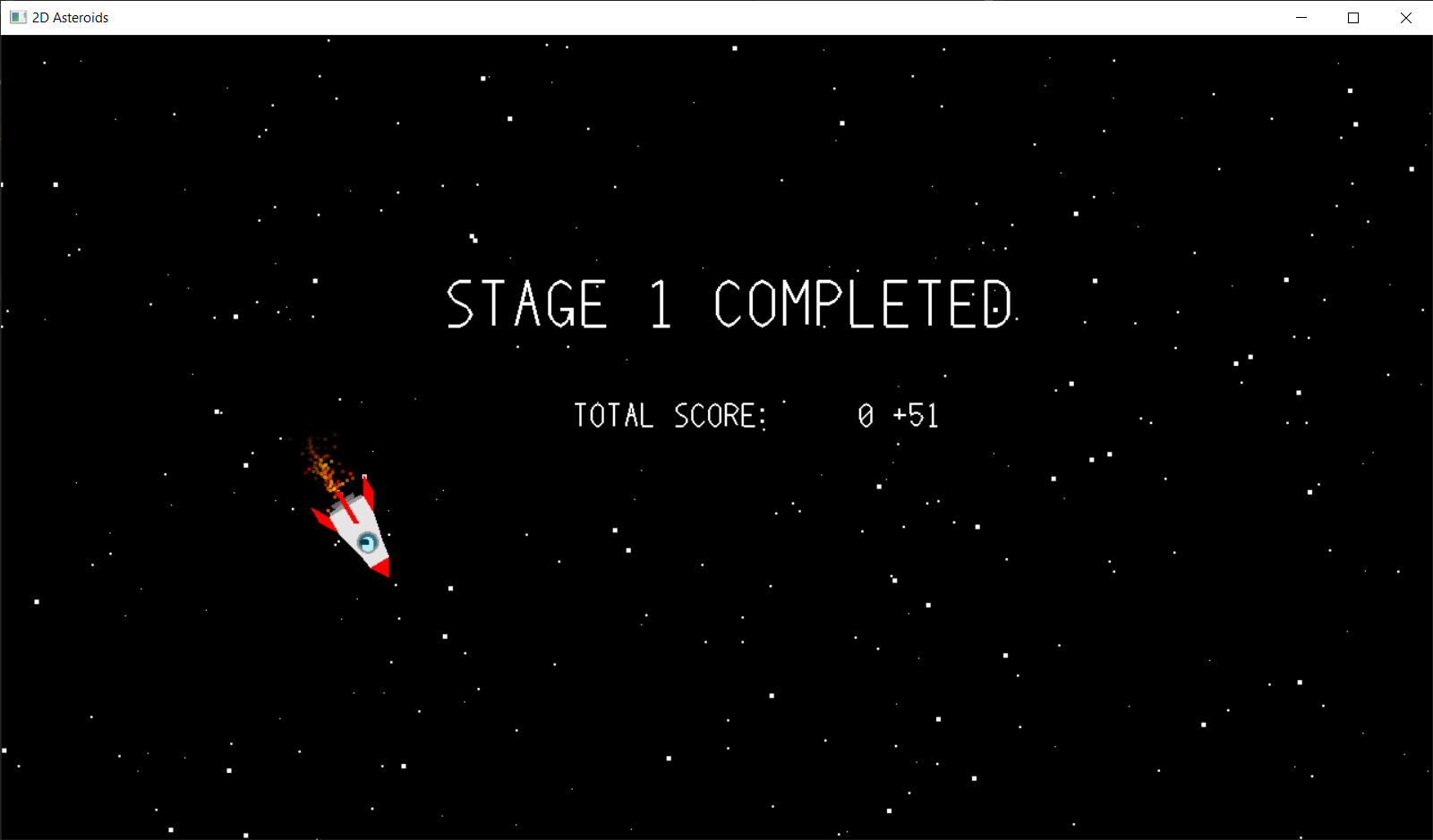
Finally, a couple of animations make the interface feel less static: blinking text, used in the menu and in the game over screen to point at the key to press, and counting text, used for the shield countdown and to make the score roll up at the end of a stage.
Build & Run
The lab solutions are Visual Studio projects: the 02es folder contains the whole game, and the setup guide in the repository walks through configuring the OpenGL dependencies. A precompiled Windows x64 build is available in the releases, together with the builds of the other labs.
The game is one of the seven labs of the course, which also cover Bézier curves, mesh shading and lighting, raytracing, and modeling and digital art in Blender: they all live, with their reports, in the same repository.